-

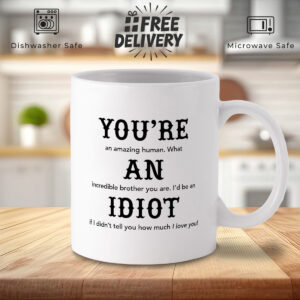
White Mug with Inspirational Brother Message
£12.99 Add to basket -

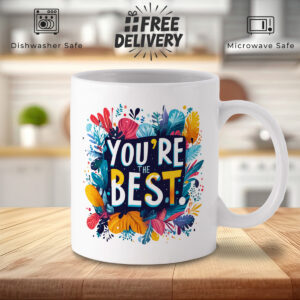
You’re the Best! Floral Design White Mug
£12.99 Add to basket -

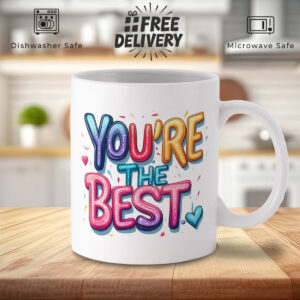
White Mug with ‘YOU’RE THE BEST’ Colorful Text & Hearts
£12.99 Add to basket -

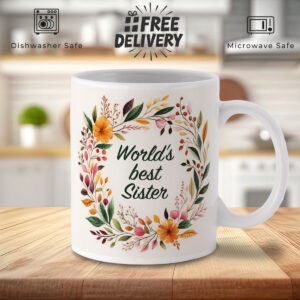
World’s Best Sister Floral Wreath White Mug
£12.99 Add to basket -

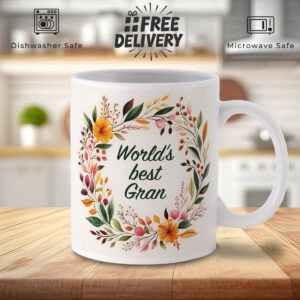
World’s Best Gran Mug – Floral Wreath Design
£12.99 Add to basket -

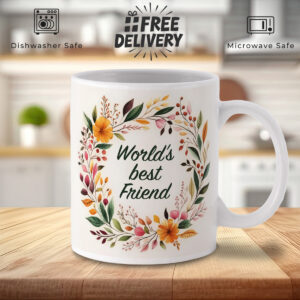
World’s Best Friend Floral Wreath White Mug
£12.99 Add to basket -

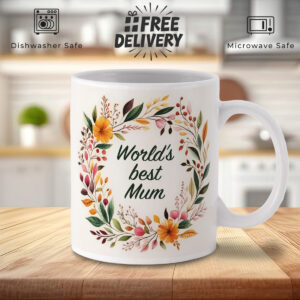
World’s Best Mum Floral Wreath White Mug – Vibrant Design
£12.99 Add to basket -

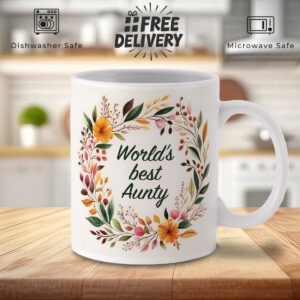
World’s Best Aunty Mug – Floral Wreath Design
£12.99 Add to basket -

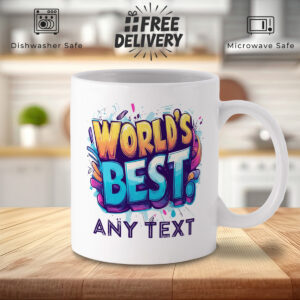
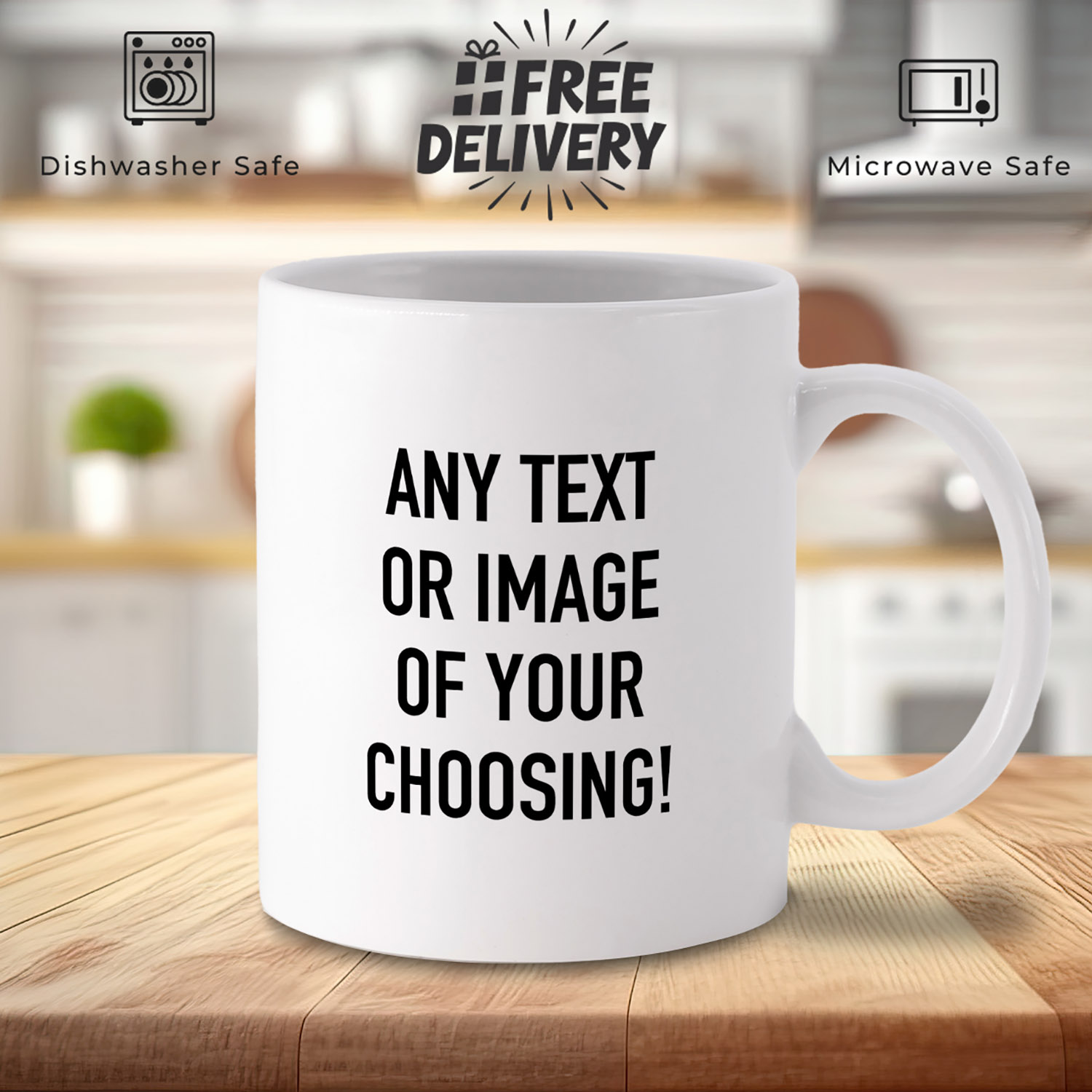
Customizable World’s Best Mug with Colorful Design
£12.99 Add to basket -

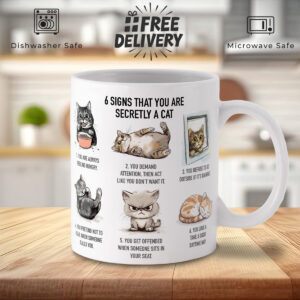
Cat Lover’s White Mug: 6 Signs You’re Secretly a Cat
£12.99 Add to basket -

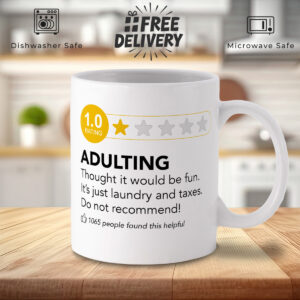
Funny Adulting 1-Star Review White Mug – Laundry & Taxes
£12.99 Add to basket -

Funny Retirement Mug – “Wise Man Retired” Custom Gift
£12.99 Add to basket -

White Mug with Colorful Books – ‘I’d Rather Be Reading’
£12.99 Add to basket -

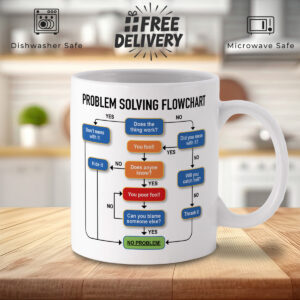
Humorous Problem Solving Flowchart White Mug
£12.99 Add to basket -

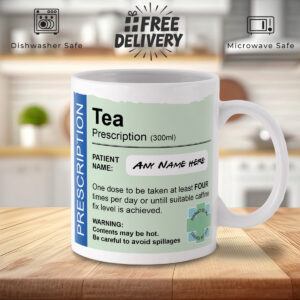
Prescription Label Novelty Mug – Customizable Tea Cup
£12.99 Add to basket -

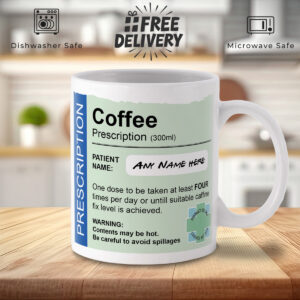
Prescription Label Coffee Mug – Novelty Caffeine Gift
£12.99 Add to basket -

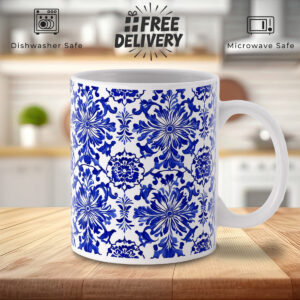
Blue Floral Ceramic Mug – Elegant Symmetrical Design
£12.99 Add to basket -

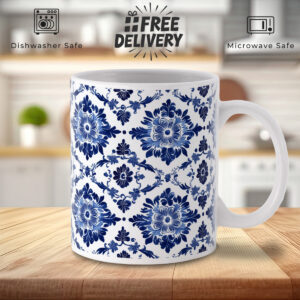
Blue Floral Pattern Ceramic Mug – Elegant & Classic Design
£12.99 Add to basket -

Uncle Nutritional Facts Mug – Fun Gift with Humor & Love
£12.99 Add to basket -

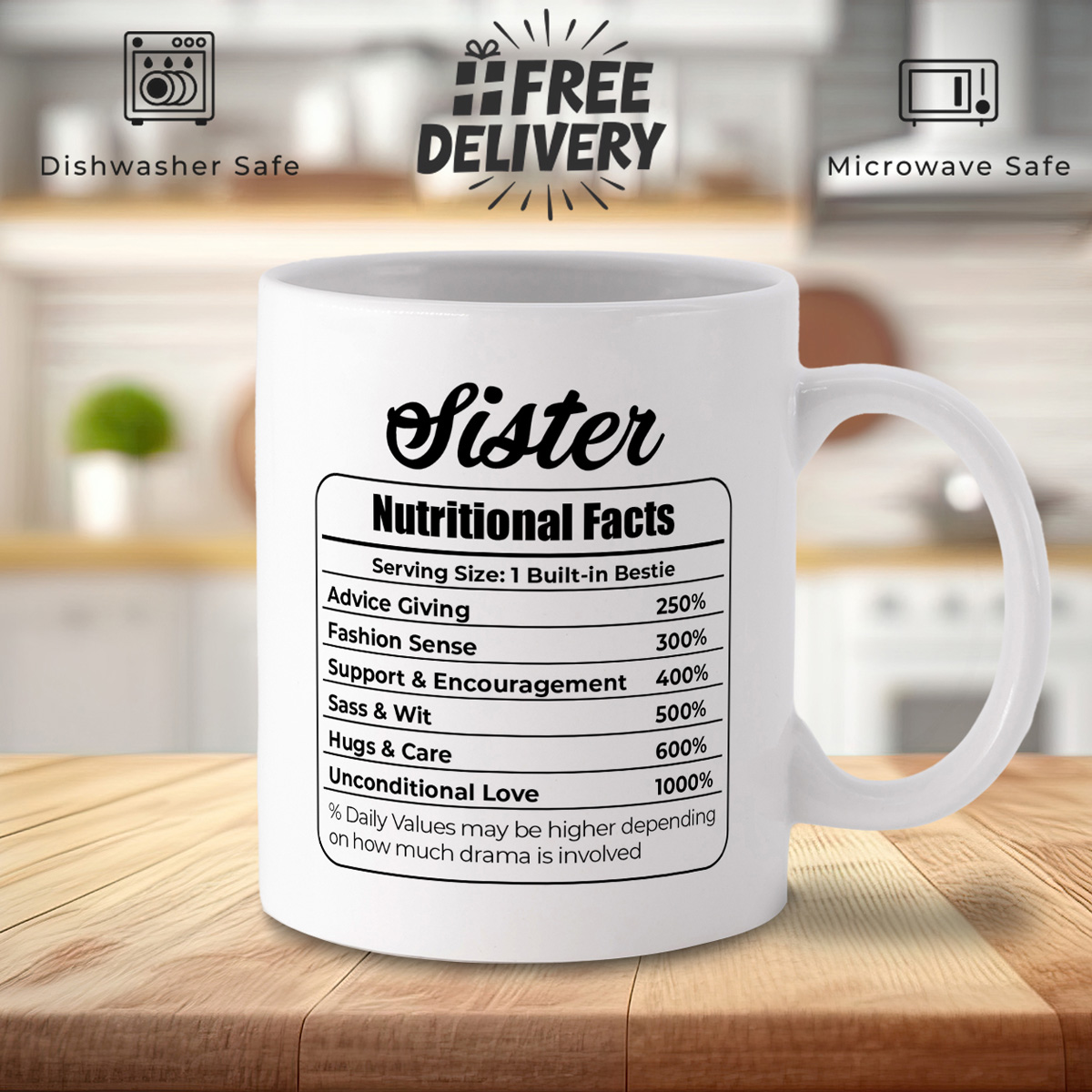
Sister Nutritional Facts Mug – Fun Gift with Love & Sass
£12.99 Add to basket
HOW TO DESIGN YOUR OWN MUG
Step by step instructions
Sometimes, finding the perfect mug design can be a challenge, or perhaps you want something truly one-of-a-kind. On this page, we’ll guide you through the steps to create and submit your own custom mug design using our easy Canva-based template.
Step 1: Access the Mug Design Template
We have two templates to help make creating your own design easier:
[Full wrap mug]
this is good if you want to make use of the whole printable area or fill with a portrait photo.
[Square template]
This template is good if you want to just add some text or image and have it repeated on both sides.
Once you click the link, you’ll be redirected to the Canva design tool where you can create your custom design.
Step 2: Add Text
In Canva, click the “Text” button from the sidebar on the left.
- Select “Add a heading” or “Add a subheading” depending on your desired text size.
- Type your custom text, such as a name, quote, or personal message.
- Use the toolbar above the canvas to customize the font style, size, color, and alignment.
Tips:
- Use bold, contrasting colors to make your text pop.
- Try out different fonts to achieve the best look for your design.
Step 3: Add Images or Logos
To add images:
- Click the “Uploads” button on the left-hand side of Canva.
- Upload your image or logo from your device.
- Drag the image onto the mug canvas and adjust the size and position by using the corner drag handles.
Notes:
- Make sure the image is high-resolution (preferably 300 DPI) to ensure a sharp print.
- Avoid placing images too close to the edges to prevent cropping during the printing process.
Step 4: Add Background or Patterns
You can also personalize the background:
- Click the “Background” button on the left-hand side of Canva.
- Choose from pre-loaded patterns, colors, or gradients.
- Alternatively, you can upload your own custom background image for a unique touch.
Step 5: Review Your Design
Once you’ve finished designing, use the preview feature to review how your mug will look:
- Make sure everything is properly aligned.
- Double-check for any typos or misaligned images.
Step 6: Download & Submit Your Design
When you’re satisfied with your design:
- Click the “Share” button at the top right of Canva.
- Select “Download” and choose the format PNG or JPEG.
- Ensure the “High Resolution” option is selected (300 DPI is ideal for printing).
After downloading, return to our website and upload your finished design. Our team will review it and begin the production of your custom mug!
Can I upload my own images?
What file types are supported for image uploads?
Can I change my design after submission?
If you don’t fancy doing your own design, we have lots of ready made designs which you can easily customise with a personalised name or message or upload your own photographs.